Uninstall LivingRoom
Need to remove LivingRoom from a child's device? Follow the instructions below based on the setup method that was used when installing LivingRoom.
Apple Family
If you set up LivingRoom using Apple Family (for kids with Apple ID age under 18), follow these steps:
1. Disable Screen Time access
On your child's device, open Settings → Screen Time → toggle off LivingRoom in the "Apps with screen time access" section. Enter your (parent) Apple account email/password when prompted.
2. Delete the app
Now you can delete the LivingRoom app just like any other app. Press and hold the LivingRoom app icon, then tap "Remove App" and confirm by tapping "Delete App".
Supervised Mode
If you set up LivingRoom using Supervised Mode (using a computer to set up the device), you'll need to use a Mac or Windows computer to remove it.
Download the uninstall tool
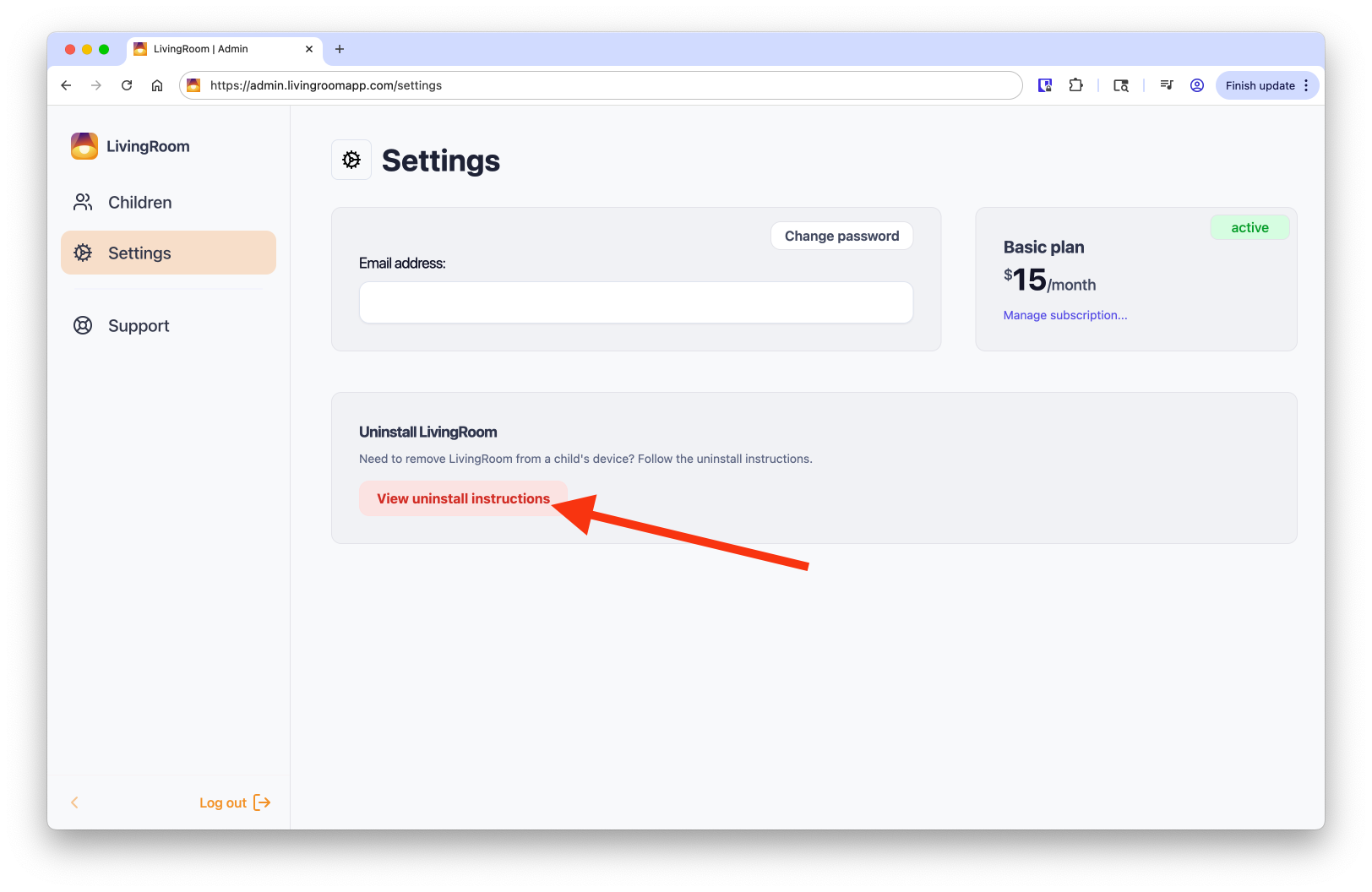
Log in to your LivingRoom dashboard at admin.livingroomapp.com/settings to download the uninstall tool for Mac or Windows.

The LivingRoom iOS app helps you protect your kids online with screenshot-based monitoring and nudity blocking.